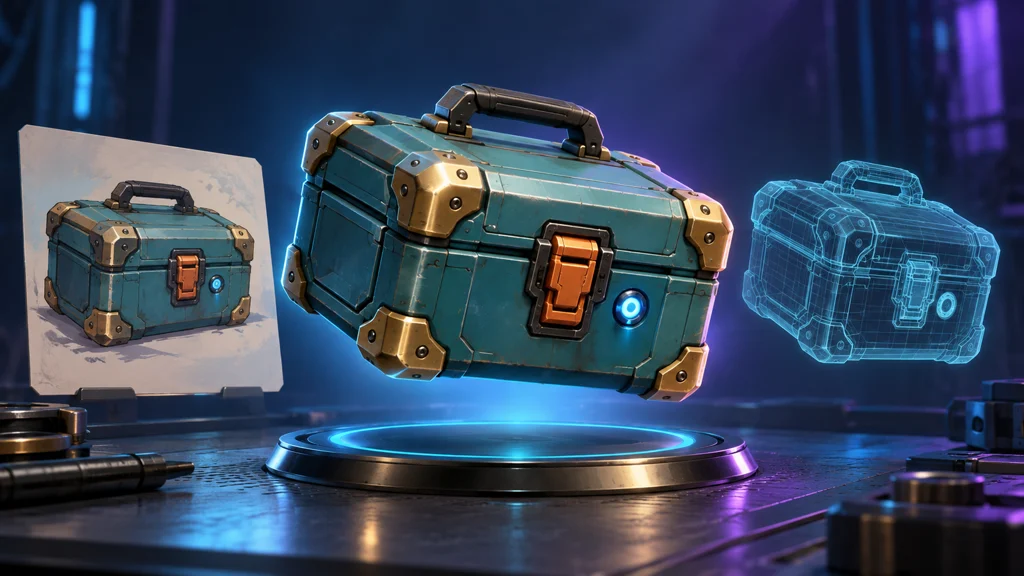
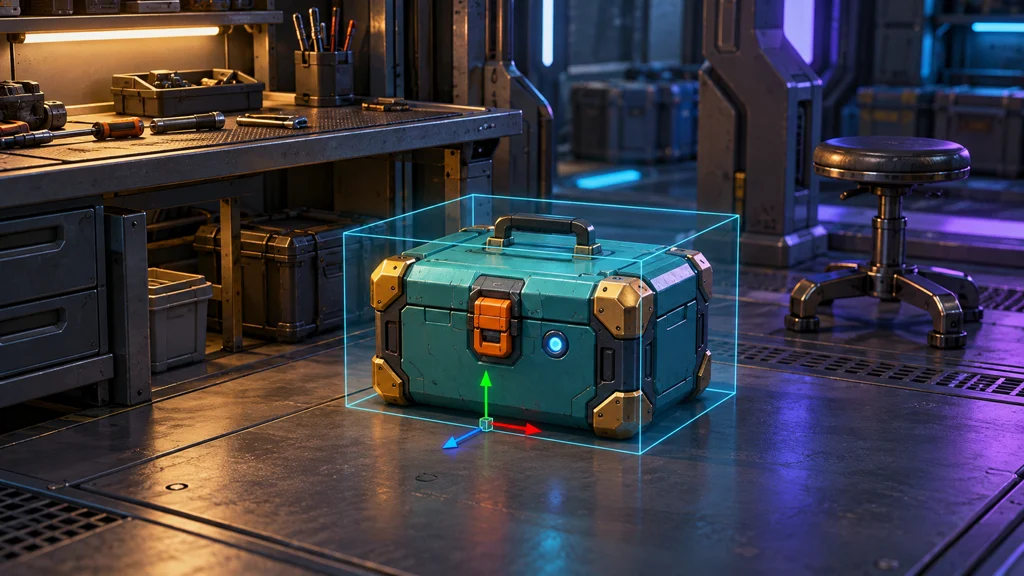
Imagine using a picture of a teal supply crate to create a model you can rotate. Its brass corners shine and its orange latch is visible. Is it ready for your game? Not if the handle is filled in, the crate passes through the floor, or its metal looks like plastic under a different light. You have a three-dimensional draft, not necessarily a finished asset.
This is a documentation-based production guide, checked on October 31, 2026. It is not a hands-on comparison of generation services or a measured mesh and engine performance review. The example is one static prop. Opening lids, rigging, destruction and character deformation are separate scopes. All illustrations are AI-generated concept diagrams—not actual generated meshes, wireframe inspection results or engine screenshots.
1. Start with an object contract, not just a picture
Lock the crate's identity: a teal body, brass corner guards, one black top handle and one orange front latch. If another view changes their count or position, it supplies conflicting instructions rather than useful information. Approve a master reference and preserve the original separately.
A front three-quarter view can explain the relationship between front and side. Keep the whole object visible and separate from nearby objects. Check that reflections do not hide edges and shadows do not resemble extra parts. If you clean up the input, inspect whether the material itself has changed.
A single picture does not establish the unseen back. For a real product, obtain additional photographs and measurements. For an original game prop, you can invent the back, but record it as an approved design choice rather than a reconstruction of reality. AI-generated alternate views do not verify facts absent from the source.
| Decision | Supply-crate example | Why it matters |
|---|---|---|
| Use | Static floor prop | Decide whether moving parts need separate work |
| Identity | Teal body, brass corners, black handle, orange latch | Detect changes in shape and count |
| Dimensions | Fictional width of 0.6 m | Check scale after import |
| Protected geometry | Handle opening, base and latch silhouette | Identify features optimization must retain |
| Deliverables | Editable source, game mesh, materials and inspection record | Separate a preview from usable files |
The dimensions are illustrative, not universal specifications. To create concept art first, use a compact input-image prompt like this. It is not code that generates a 3D file.
One original sci-fi supply crate. Teal rectangular body, brass corner guards,
one black top handle and one orange front latch. Full object in a three-quarter view,
neutral soft lighting and a simple background. Clearly readable handle opening and base.
No people, text, logos or extra crates; no exaggerated perspective or hidden key parts.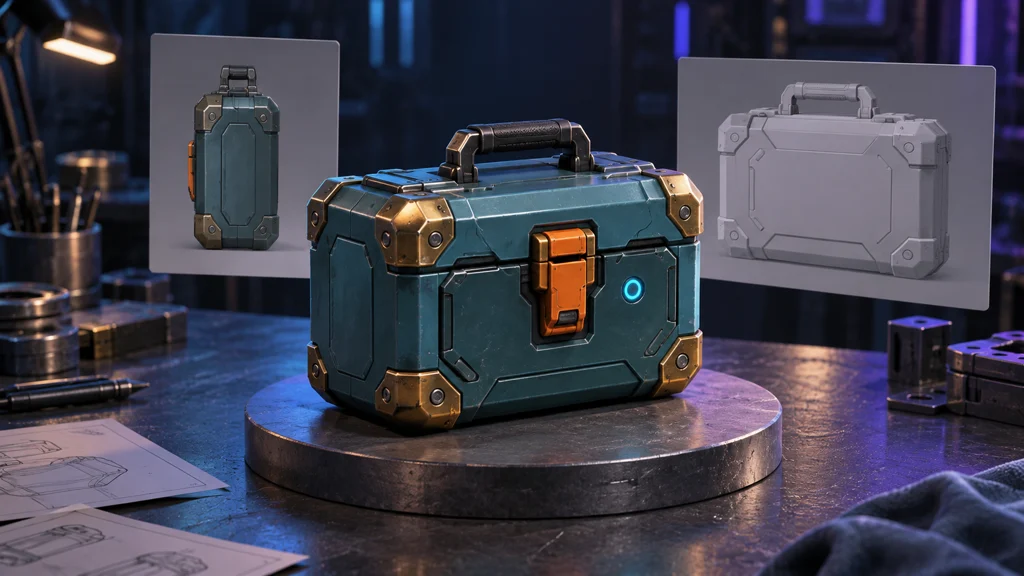
2. Separate generator features from your deliverable
Meshy's Image to 3D documentation describes photo, concept and sketch inputs, with choices such as High Detail and Smart Topology. Image enhancement can redraw the reference and change details, so compare the result with your approved design. More detail does not establish lower runtime cost or an accurate hidden side.
Tripo's official feature overview separates generation, segmentation, retopology, UVs, textures, rigging and export into combinable stages. The distinction matters even when every button sits inside one service. Geometry generation, material work, optimization and engine validation have different acceptance criteria. A vendor's game-ready label is not evidence that your project has passed them.
For local execution, Microsoft's TRELLIS.2 repository is another option to investigate. It provides image-to-3D generation with PBR attributes, but its official environment assumes Linux and sufficient NVIDIA GPU memory. Public weights do not imply instant execution on every laptop or zero installation and electricity costs. We did not run it for this guide.
Inspect an untextured mesh separately. If the latch disappears without color, it may be painted detail rather than geometry. Decide which features need real depth according to viewing distance and whether players will handle the object. Check generation, download and commercial-use terms for the specific account and model before spending an approved budget.
3. Fewer faces and useful topology are different goals
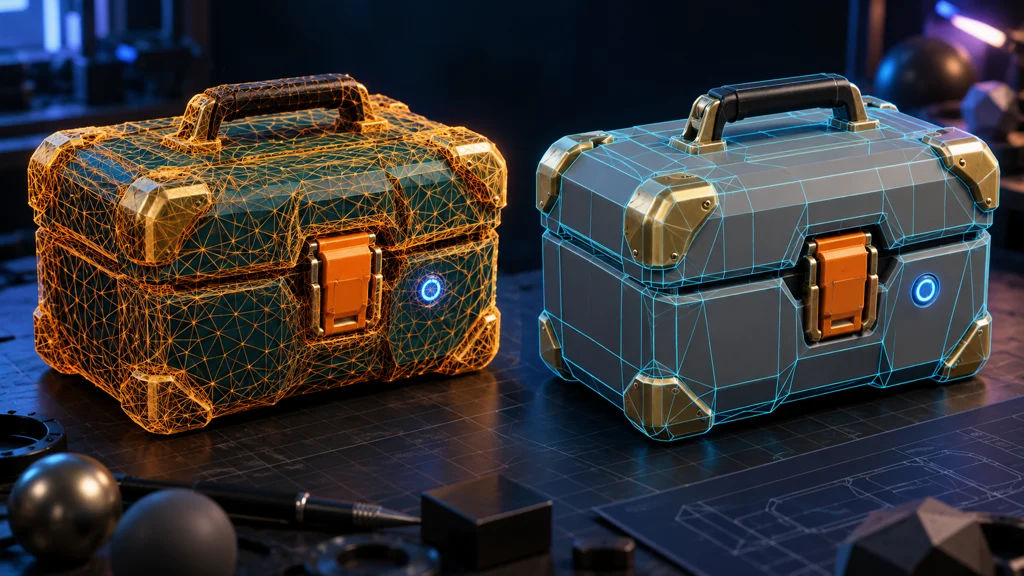
Simplification usually targets face count. Remeshing rebuilds the surface arrangement; retopology organizes it for later editing, deformation or production needs. Tools use these terms differently. Inspect silhouettes, openings, surface flow and editability instead of relying on the button's name. A high proportion of quads is not, by itself, proof of a good asset.
Meshy's Remesh guide describes target counts, topology choices, separate results that preserve the source, and checks for lost detail. Options depend on the generation model and processing route. Do not assume every triangle-generating mode offers a quad setting, or that a target face count is an exact output count.
Compare the lid boundary, handle opening, corners and latch. If the handle fuses into the body, flat panels shade unevenly or small parts vanish, reconsider what must be preserved. Keep the dense original and game-oriented derivative as separate files.
This static crate does not need an elbow-style deformation test. An opening lid would require a separate object, rotation axis, internal surfaces and collision decisions. A single shape that looks correct is not automatically animation-ready.
4. Recheck UVs, PBR and shading after export
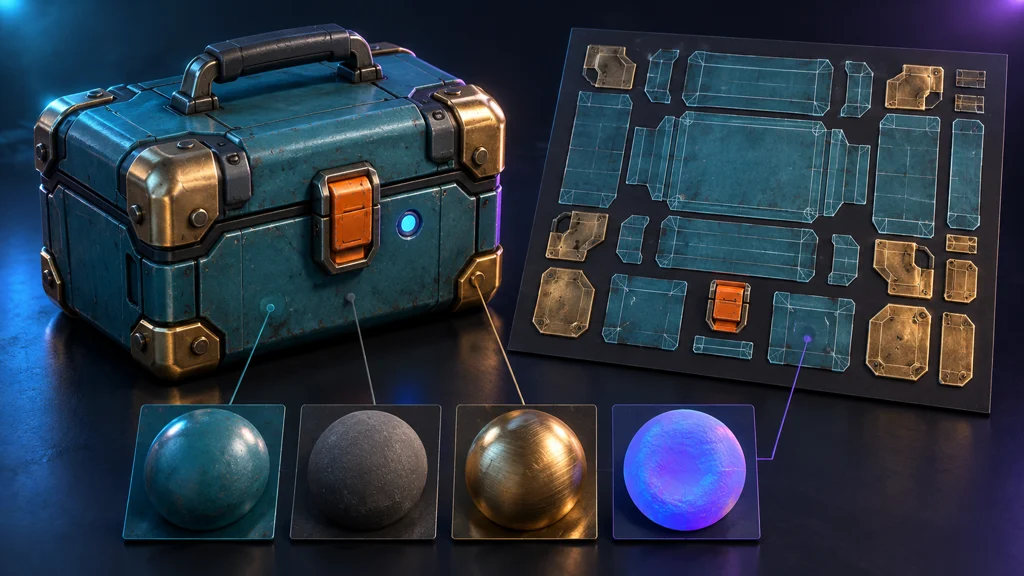
UVs place a two-dimensional texture on a three-dimensional surface. A checker pattern helps reveal stretching and seams that colorful artwork can conceal. Inspect the front latch and corners for inconsistent direction or resolution, then check readability at the actual gameplay distance.
PBR describes materials within a physically based rendering workflow; it does not guarantee identical appearance in every engine. Separate color, metalness, roughness and normal information, and verify the texture channels and color spaces expected by the destination shader. A bright brass reflection painted into the color image may look wrong when lighting moves. Compare neutral lighting with a second light direction.
Meshy's export guide distinguishes GLB with embedded textures from FBX and OBJ workflows with separate texture files. If the imported model is white, check missing maps and material assignments before blaming generation. Do not assume GLB imports natively into every Unity project; verify its importer support. Test a small round trip using the destination's supported format.
5. Test scale, pivots, collision and scene cost
A pleasing preview in Blender or another editor does not replace engine checks. Unity's Model Import Settings reference separates scale, axis conversion, mesh, normal and collider settings. Check the relevant editor version and render pipeline. Compare the example crate against a measuring reference, verify that a bottom-center pivot supports placement, and confirm its intended forward direction.
Separate visible geometry from collision. Start with a box collider if decorative details do not matter physically. If gameplay uses the handle opening, test whether that approximation is sufficient. Distinguish fixed placement from picking up and stacking; test the actions your game actually needs.
Unity's model-optimization guidance considers materials and rendering vertices as well as polygons. UV and normal boundaries can increase engine vertex counts beyond the modeling application's count. A face count alone cannot promise a frame rate. Place multiple props in the target scene and measure texture memory, rendering cost and loading on the intended device.
| Check | Evidence to retain | First things to investigate |
|---|---|---|
| Scale, orientation and pivot | Placement beside a measuring reference | Units, axes, origin and duplicated scale |
| Materials | Matching views under different lights | Texture paths, channels, normals and shaders |
| Collision | Approach, passage and placement tests | Collider shape and offset |
| Geometry at distance | Close-up and gameplay-distance views | Silhouette loss and small details |
| Runtime cost | Target-device scene profile | Instance count, materials, textures and mesh |
6. Keep a beginner's 30-minute pilot deliberately small
This is an AIZIGOO-proposed time-boxed experiment, not a completion-time promise or an official benchmark. If generation or installation exceeds the window, stop and record the next steps. Start with one crate, one candidate and one target engine.
Name the files and define the input contract. If a result exists, inspect every side without color. Preserve the original, create an optimized derivative, check UVs and materials, and import it into a test scene. Mark scale, direction and contact as passed, needing revision or unverified. If time expires, your deliverable is the files and issue list for the next stage—not an unsupported success claim.
An initial test budget might be 10,000 faces, a 1K texture and one material. These are illustrative assumptions, not shared mobile/PC recommendations or certified performance. Adjust them for screen size and instance count, then repeat the same scene test. The cost of one usable result includes retries, cleanup and review as well as generation.
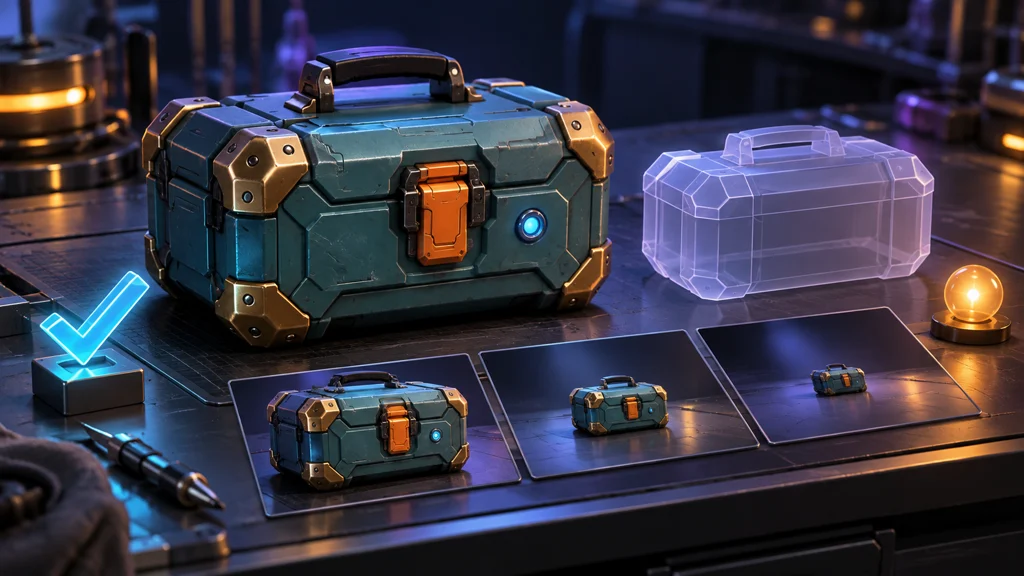
Handover should include the reference, source and game meshes, textures, materials, engine version, import settings, rights, provenance and unresolved issues. An unseen back remains uninspected geometry; an unmeasured target device means performance is unverified. AI can shorten the journey to a draft. A production asset still needs a clear account of what you received, what you checked and what remains unknown.
Official references
- Meshy: Image to 3D
- Meshy: Remesh
- Tripo: Features and production stages
- Microsoft: TRELLIS.2
- Meshy: Export formats
- Unity 6.2: Model import settings
- Unity 6.2: Model optimization
Documentation checked October 31, 2026. Features, model selection, regional availability, accounts, pricing and licenses can change. Recheck them for your actual project version.