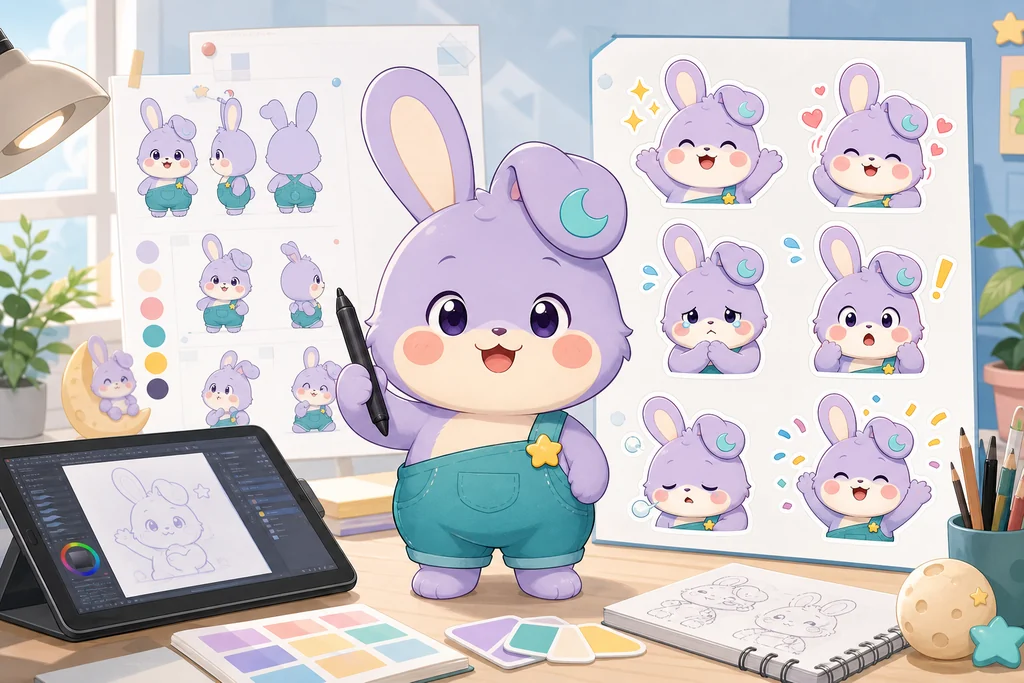
Making one AI sticker is easy. The difficult part is turning the same character into 24 distinct conversation tools that stay readable at chat size and loop cleanly. Start with the moment in which someone would send a sticker, not with image generation.
This guide was checked against official Kakao Emoticon Studio, LINE Creators Market, Google, and OpenAI documentation on August 21, 2026. Requirements differ by platform and can change. Kakao currently describes a cautious and flexible approach while legal and social standards for generative AI develop, with proposals reviewed for compliance with content policy. Treat AI as production assistance and retain original planning, human editing, rights checks, and platform review.

1. Define 24 conversation jobs before drawing 24 images
A page of similar smiling faces may look attractive but will not become an often-used sticker set. Assign a job to every slot.
| Function group | Example reactions | Design rule |
|---|---|---|
| Open and close | hello, leaving, good night, see you | readable directional gesture |
| Relationship | yes, thanks, love, congratulations | clearly different silhouettes |
| Coordination | understood, wait, checking, on my way | useful in work and plans |
| Friction and recovery | sorry, no, exhausted, it is okay | clear without unnecessary aggression |
| Strong reaction | surprise, laughter, anger, touched | large poses that pace the set |
| Daily life | meal, commute, focus, rest | compress context into one prop |
Write a verb or emotion into every slot and replace duplicates. LINE similarly recommends stickers that are easy to use in daily conversation and have immediately understandable expressions and messages.
2. Lock a character bible before generation
Consistency comes from testable traits, not the phrase “same character.” Momo is a small lavender moon rabbit with a cream muzzle and belly, a folded left ear carrying one teal crescent patch, teal overalls, and one yellow star button. Record color, position, and count, then approve front, side, back, expressions, and props on one sheet.
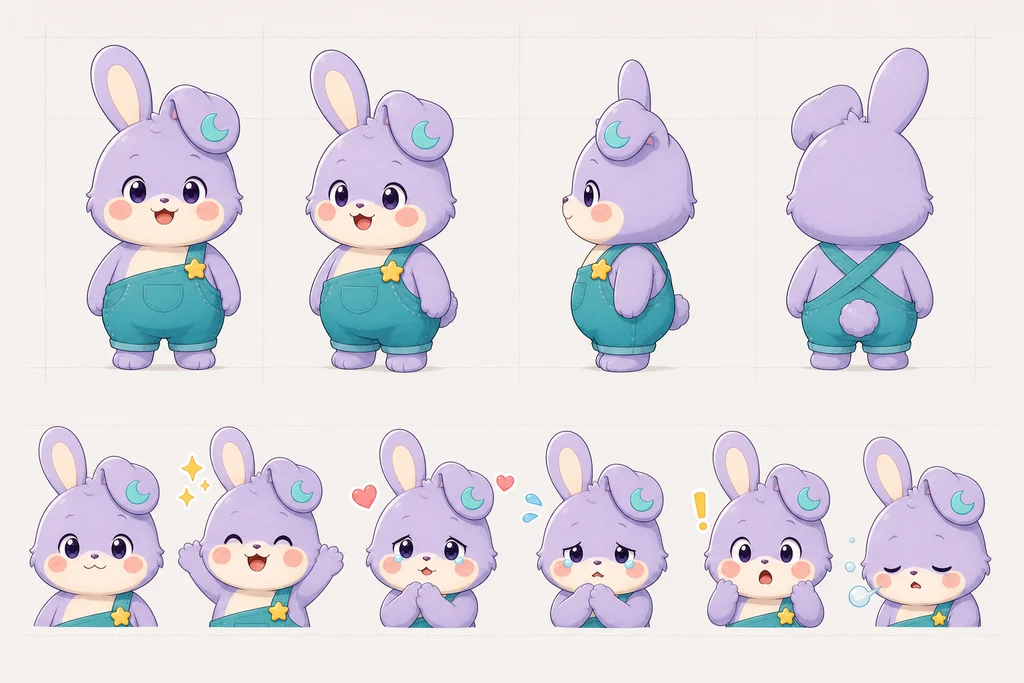
~~~text Use the approved character sheet as the identity source. Momo: small lavender moon rabbit, pear-shaped body, cream muzzle and belly, left ear folded slightly forward with one teal crescent patch, teal overalls and one yellow star button. Do not alter ear length, face ratio, palette, costume, patch position, or count. Use a plain background that is easy to remove; generate no text. ~~~
Google documents conversational image workflows that reuse prior output and references, while OpenAI recommends separating what must be preserved from what should change during iterative edits. Reference capacity varies by model, so prioritize one approved bible and the latest approved result over a pile of competing images.
3. Test twelve expressions before finishing twenty-four
Generate a 12-pose test sheet first. If the silhouettes alone do not separate shy, satisfied, shocked, and tired, changing only the eyebrows will not save the set. Move the ears, torso, hands, and one supporting prop as well.
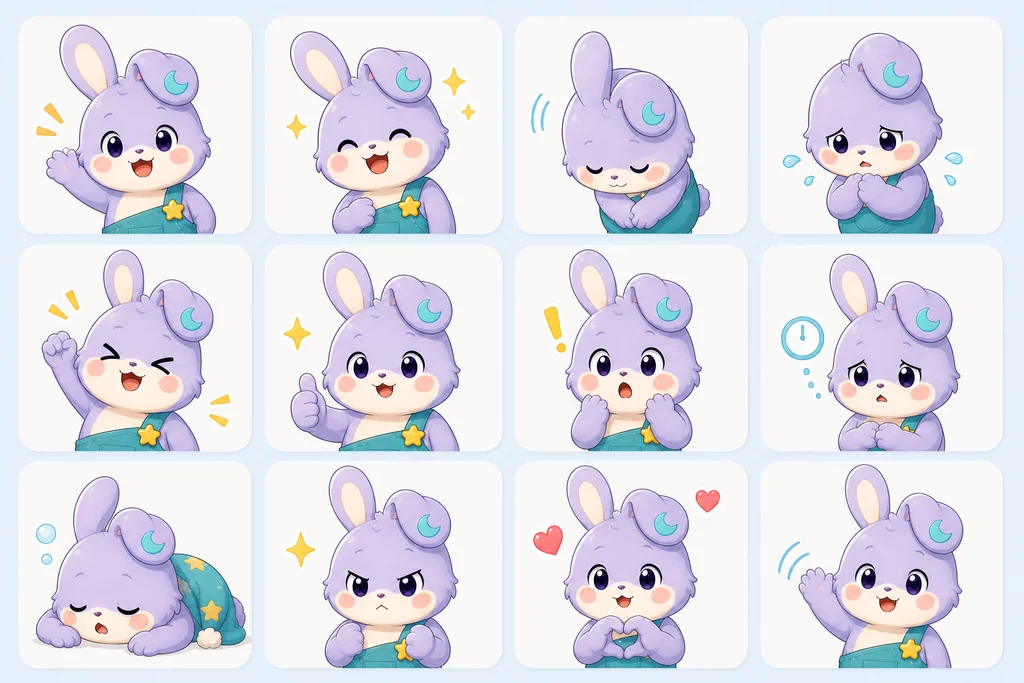
~~~text [IDENTITY LOCK] Use the approved Momo sheet without redesigning the character.
[REACTION] Intent: sincerely congratulate a friend on good news. Face: smiling eyes and an open joyful mouth. Body: both feet slightly airborne, arms opened upward. Accent: a few star-shaped paper pieces close to the body. The first still frame must already read as congratulations.
[CONSTRAINTS] No new costume, character, environment, fake text, or duplicate limbs. Use clean bold contours and a limited palette that survives chat size. ~~~
Add words later on editable layers. The same artwork can then support Korean, English, and Japanese text without regenerating the character.
4. Animate one verb, not a whole scene
Choose one action—wave, nod, jump, hide—and divide it into anticipation, primary action, settle, and loop return. Do not spend the video prompt on a duration. Describe the moving subject, the body change, the elements that must remain fixed, and the camera. A locked camera usually reads best for stickers.
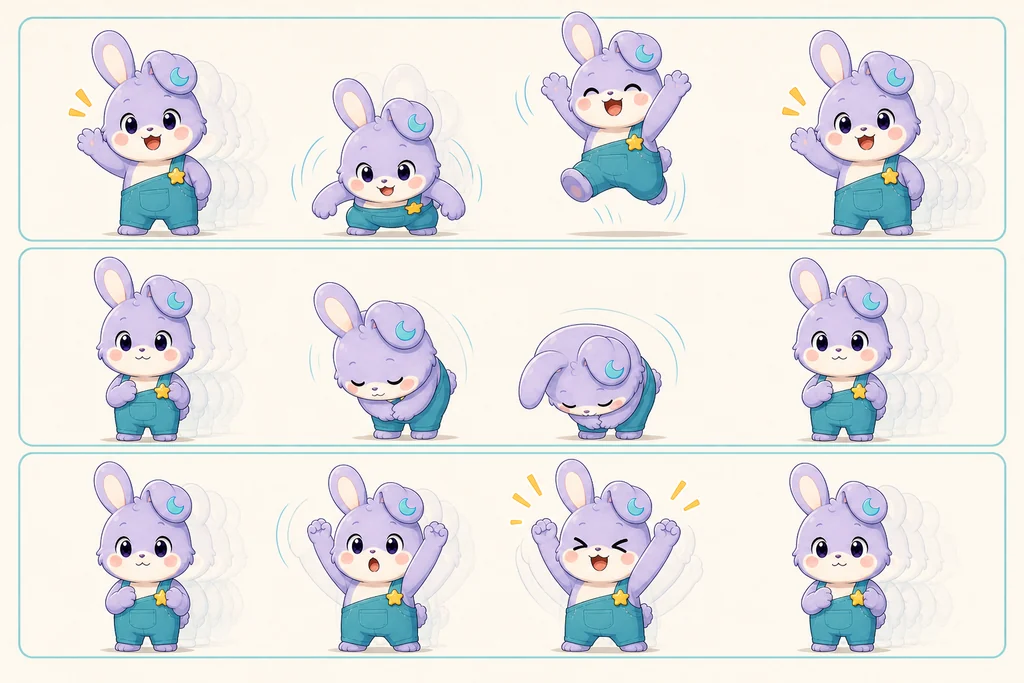
~~~text Preserve Momo's approved identity, costume, palette, and screen position. Momo lowers the body slightly as both ears lag backward. Momo then hops upward, opens both arms, and smiles brightly. On landing, the body and ears compress once and return to the opening pose. Lock the camera and background. Add no props. Make the opening and ending silhouettes connect as a clean loop. ~~~
LINE's current animated-sticker requirements specify 5–20 frames per APNG and no more than four seconds of total playback. The first frame must communicate the core feeling when seen as a still. These are LINE requirements, not universal rules; check the target platform immediately before submission.
5. Treat AI output as editable source material
Inspect the face, ear patch, button count, hands, feet, outline, and transparency edge in every result. Preserve successful areas and locally repair a hand or expression instead of rerolling the whole image.
| Check | Common failure | Better repair |
|---|---|---|
| Identity | patch or button moves | compare beside the approved bible |
| Motion | extra limbs appear between poses | fix key poses before interpolation |
| Loop | visible jump from end to start | align the pose and center point |
| Alpha | white fringe on dark themes | inspect on both light and dark backgrounds |
| File size | broad gradients and full-background motion | use a limited palette and recycled frames |
6. Review at real chat size on light and dark screens
Detail that looks beautiful on a large canvas can disappear after reduction. Check whether eyes, mouth, and hands merge, whether the outline disappears, and whether the first still communicates the reaction.
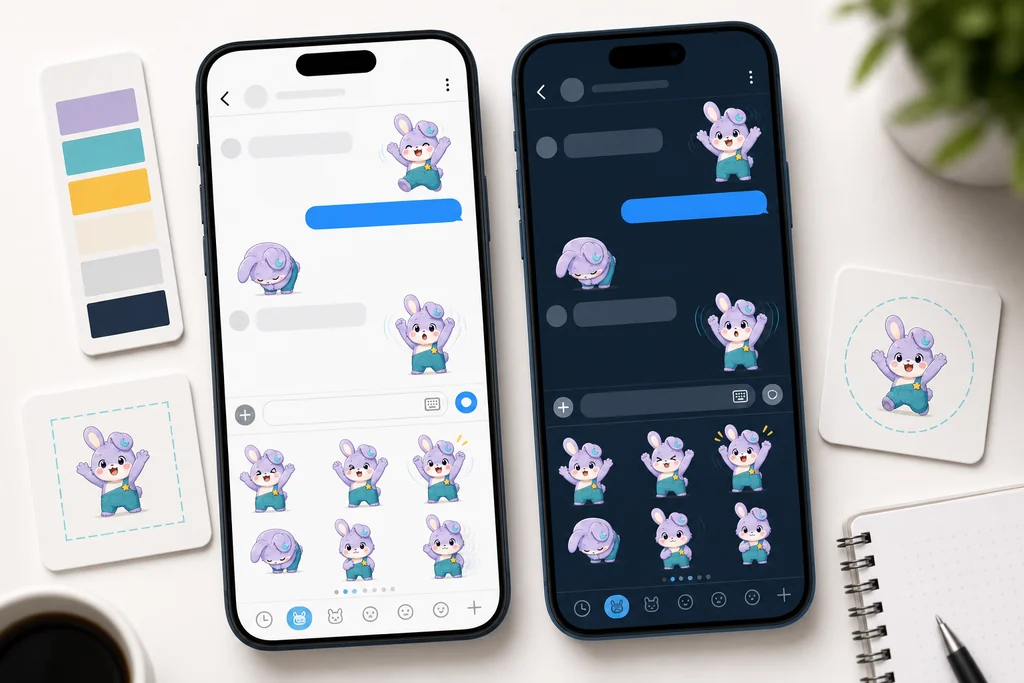
Show the result without explanation and ask, “When would you send this?” If the answer differs from your intended job, revise the pose or expression.
7. Keep rights and review records
Do not reference famous characters, a living artist's distinctive expression, or unlicensed photographs. Start from your own sketch and specification. Retain the service and model used, prompt versions, human-edited files, and the rights basis for every reference. AI generation neither guarantees platform approval nor resolves rights automatically.
Pre-submission checklist
- [ ] All 24 jobs are distinct and useful in daily conversation
- [ ] Face, ears, patch, costume, and prop count remain consistent
- [ ] The first frame communicates the reaction as a still
- [ ] Each sticker has one essential movement
- [ ] It reads at real size on light and dark backgrounds
- [ ] Alpha edges, frames, loop, and file size were checked
- [ ] Reference rights and human edits are documented
- [ ] Current target-platform rules were checked on submission day
Quality comes from maintaining one identity while separating 24 conversation functions—not from generating 24 images in one pass.
Official references
- Kakao Emoticon Studio guidelines · proposal styles
- LINE animated-sticker requirements · frame and loop guide
- Google Gemini image generation
- OpenAI image generation guide
Features, model behavior, submission specifications, and review policies can change. Check the latest official rules before production and submission.